Item reconfiguration (changing the link to the reviews page)
Edited
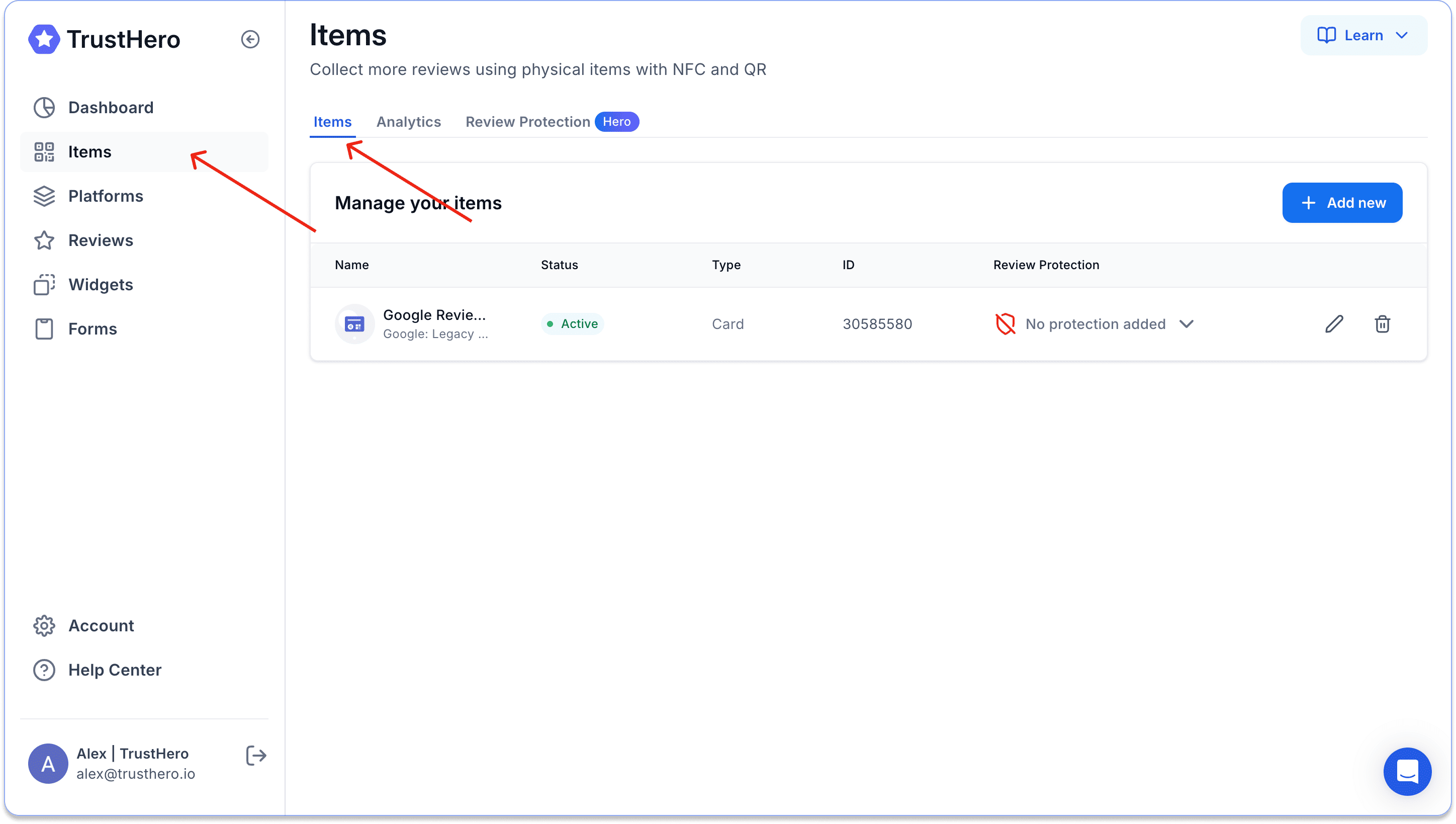
If you need to change the link to your review page to which the item redirects, go to the Items tab.
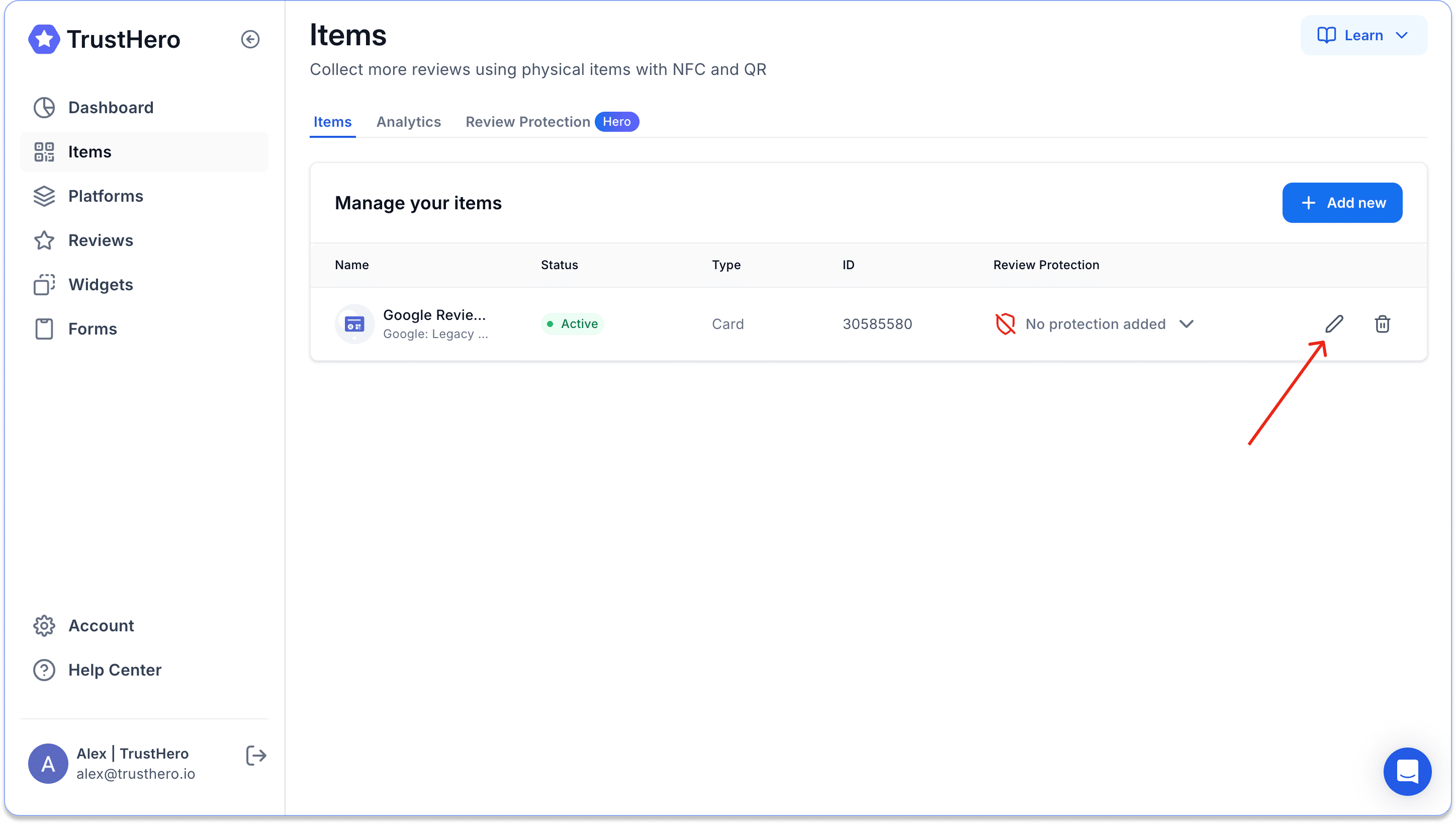
Click the pencil icon to edit your item's settings.
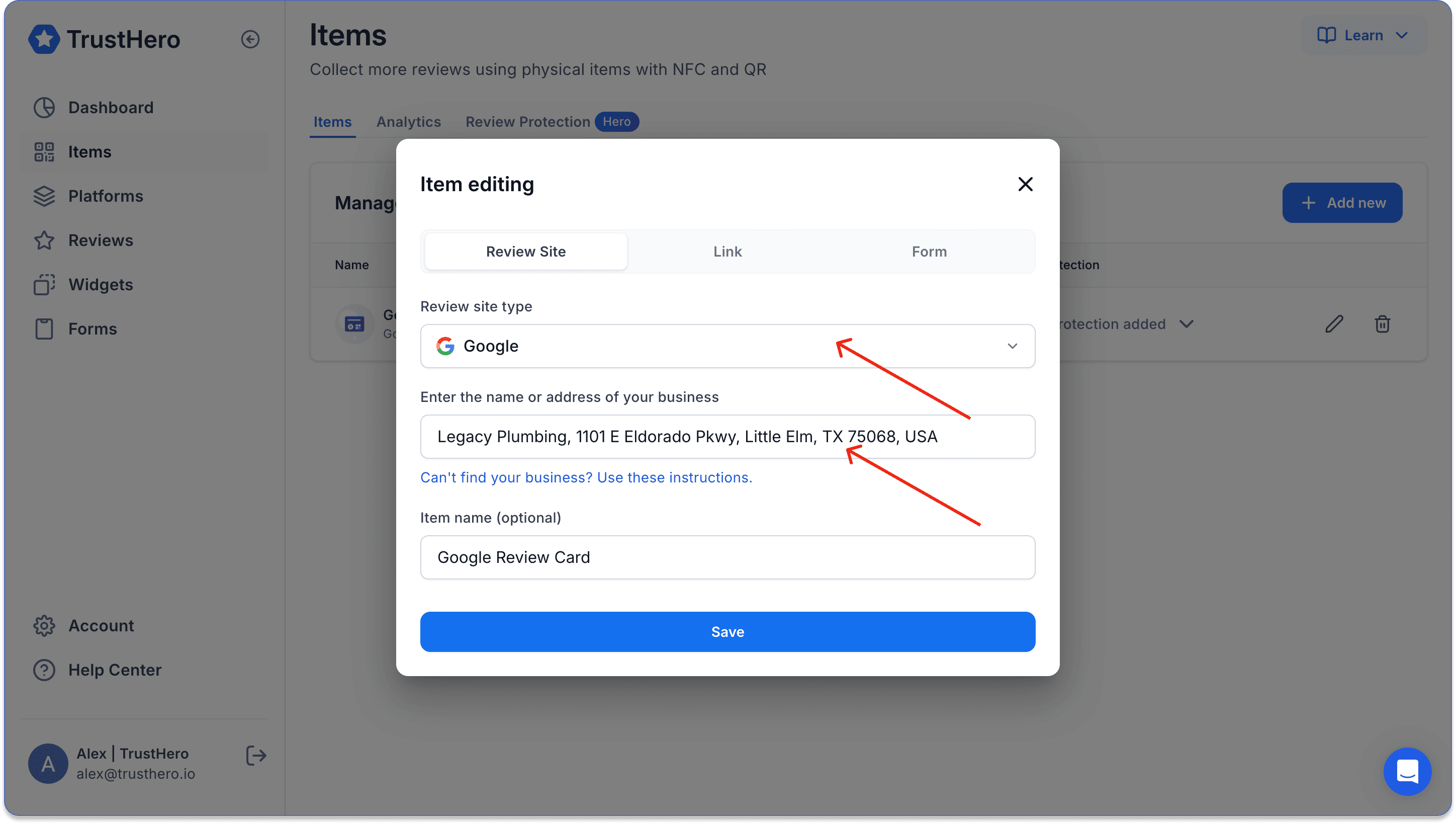
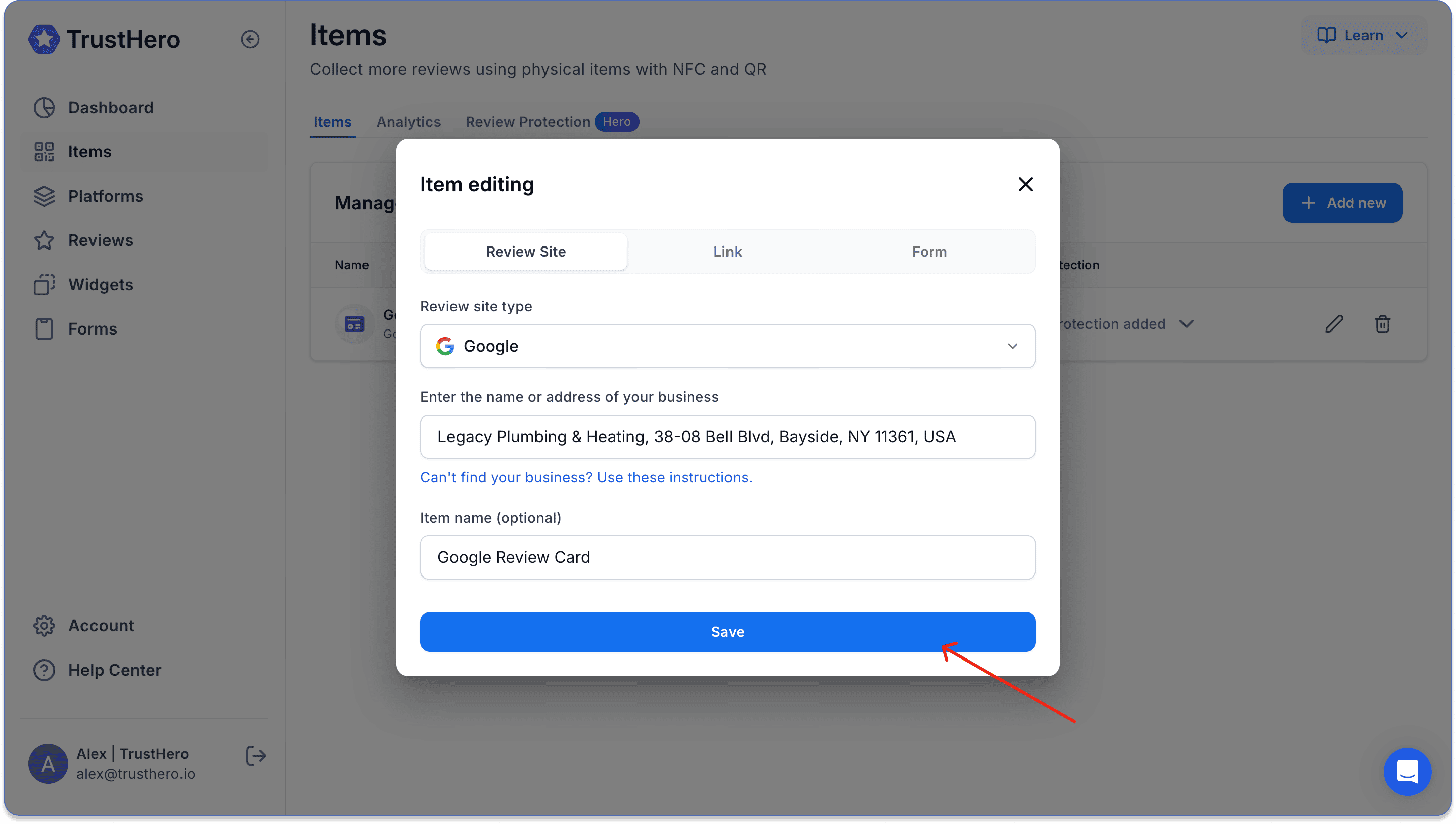
If necessary, change the review site and start typing the name of your business
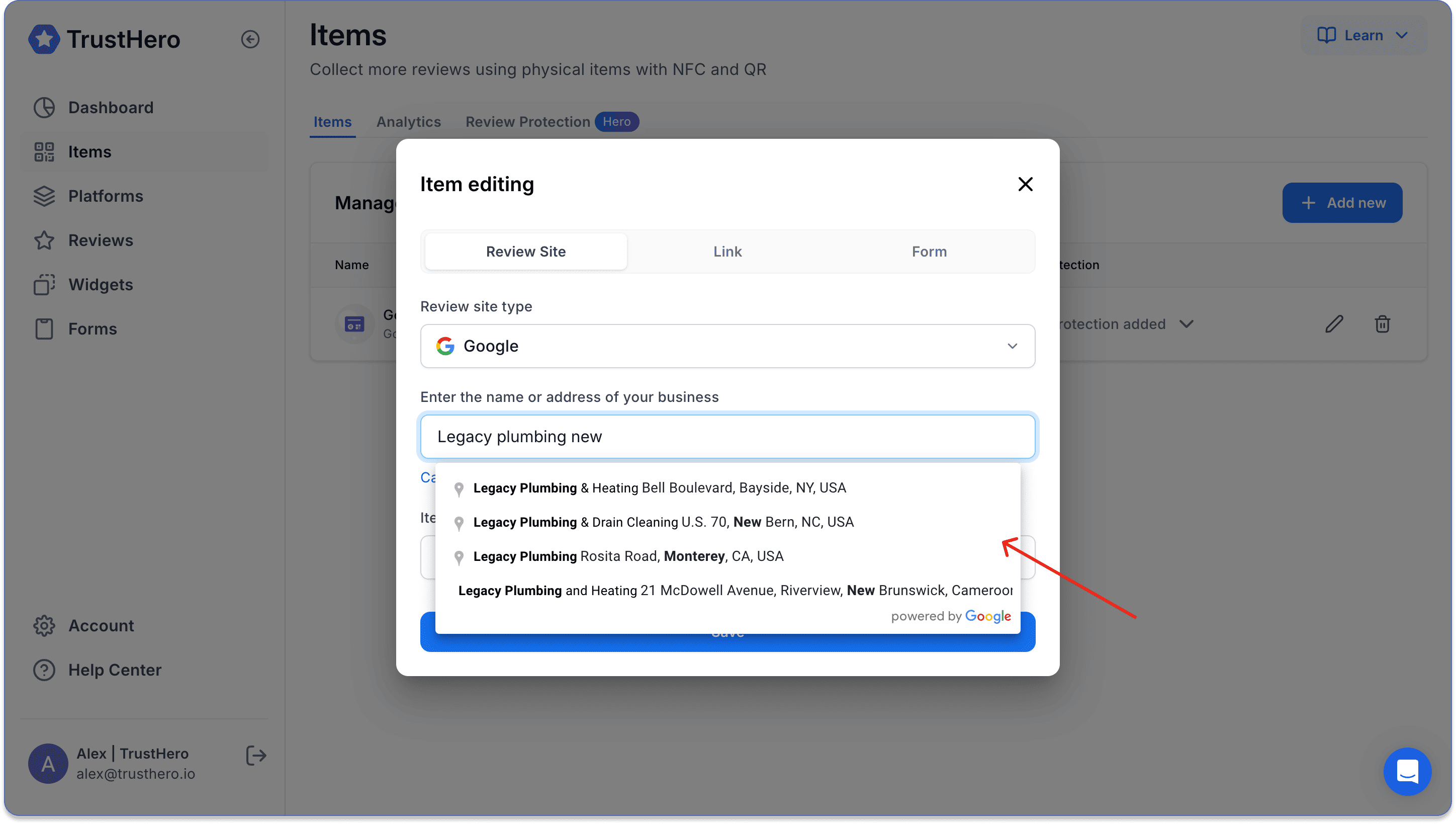
Select the business to which your item should redirect.
Click Save.
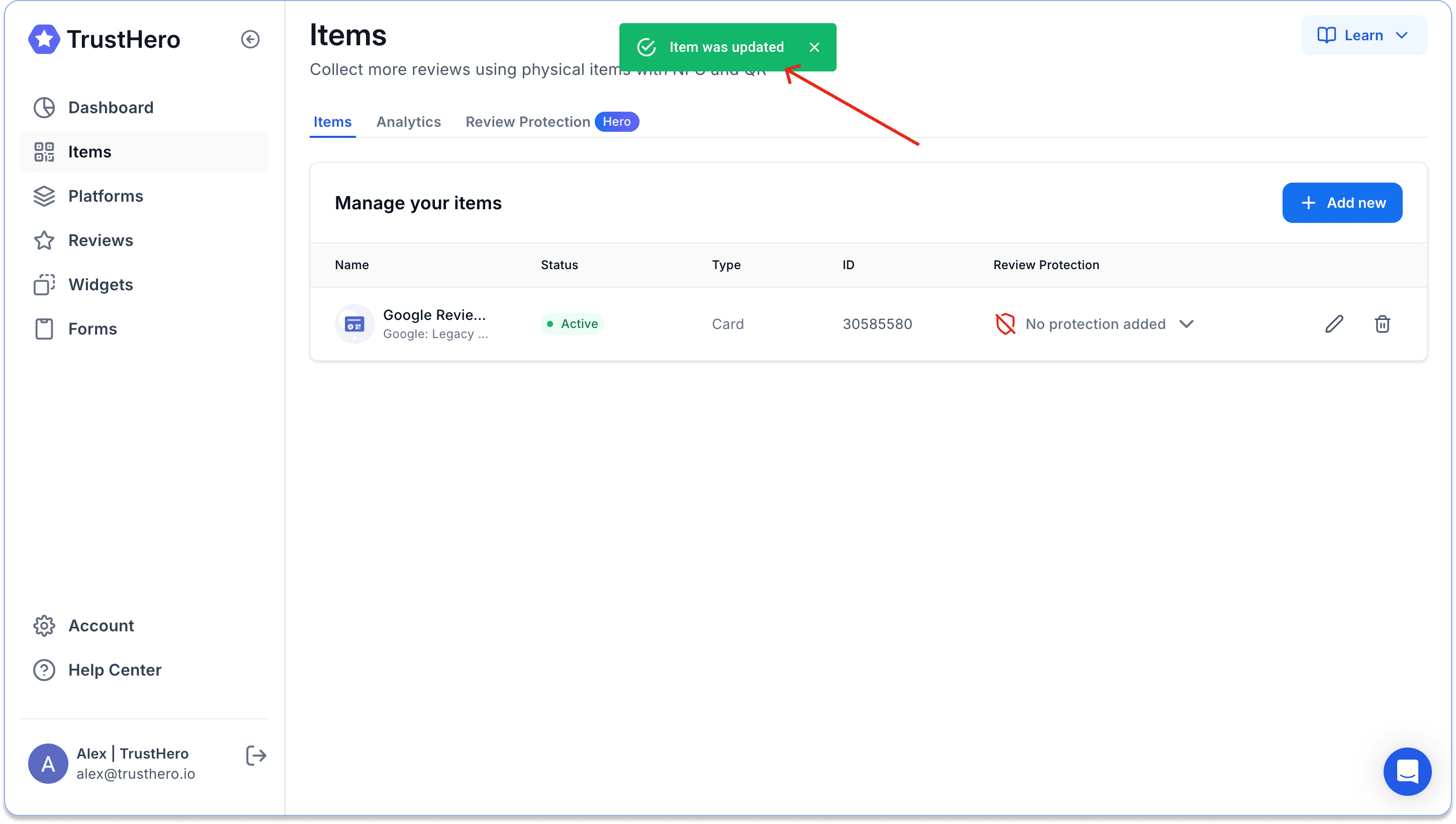
You will see a notification that the settings have been successfully changed at the top of the screen.
Was this article helpful?
Sorry about that! Care to tell us more?